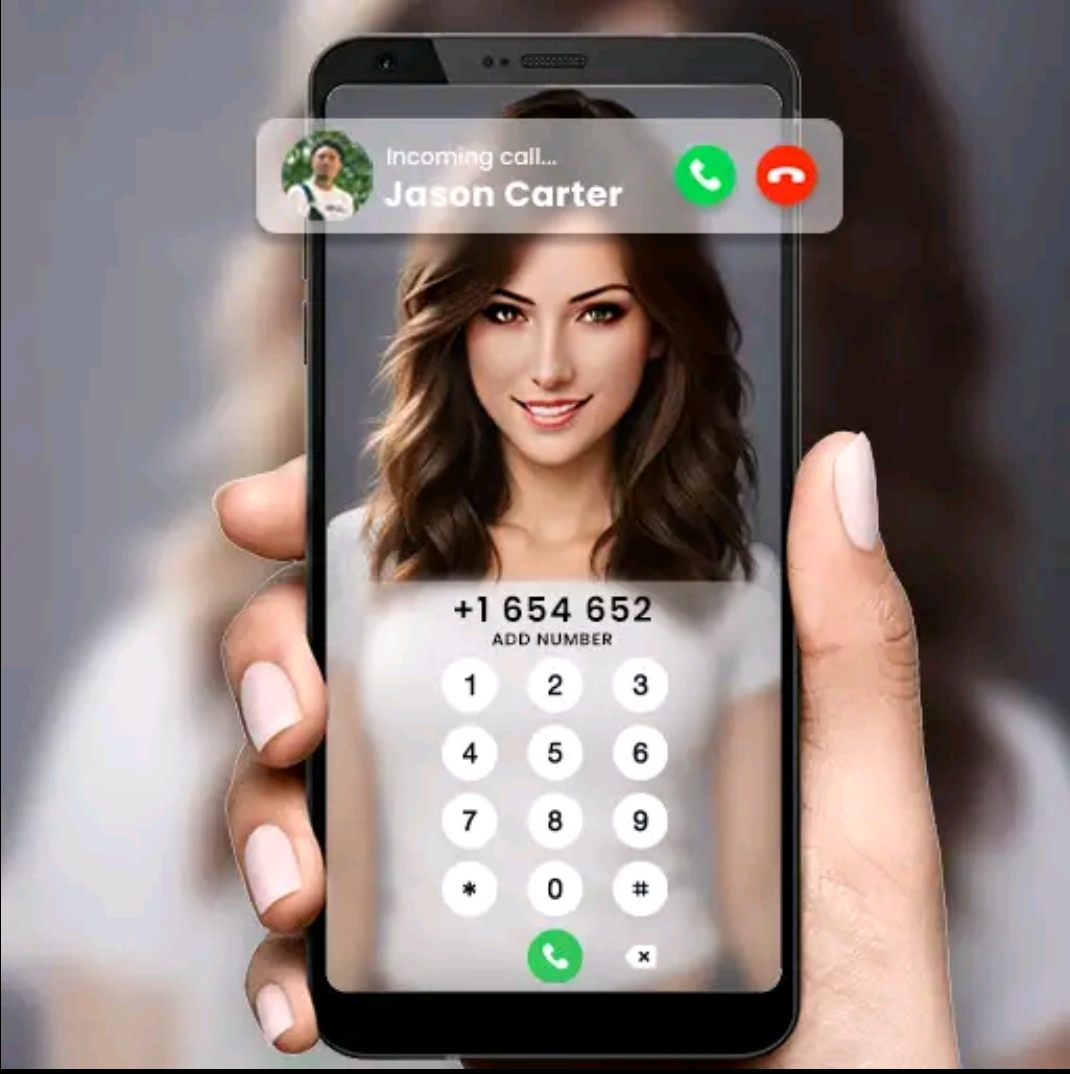
Set Photos on Incoming Calls
In today’s smartphone-driven world, personalization has become more than just a trend—it’s a form of self-expression. From custom ringtones to unique home screen layouts, users want their devices to reflect their personality and style. One of the most exciting and visually appealing ways to do this is through Call Wallpaper Screen Themes. These themes transform the ordinary incoming call screen into a dynamic, colorful, and engaging visual experience.
This article explores everything you need to know about call wallpaper screen themes: what they are, how they work, their benefits, popular features, customization options, compatibility, and tips for choosing the perfect theme. Whether you want a professional look or a fun animated style, call screen themes offer something for everyone.
What Is a Call Wallpaper Screen Theme?
A Call Wallpaper Screen Theme is a customized visual design that appears on your phone’s screen when you receive or make a call. Instead of the default plain call interface, these themes allow you to display images, animations, videos, gradients, or artistic designs during incoming and outgoing calls.
These themes can be:
- Static images (photos, patterns, artwork)
- Animated wallpapers (moving graphics or effects)
- Video call screens (short looping videos)
- Contact-specific wallpapers (different themes for different callers)
Call wallpaper screen themes are usually provided through dedicated apps available on app stores, or sometimes built into custom phone interfaces.
How Call Wallpaper Screen Themes Work
Call wallpaper screen themes work by overlaying a customized interface on top of your phone’s default call screen. When a call is received or made, the app detects the event and displays the selected theme instead of the standard interface.
To function properly, these apps usually require certain permissions, such as:
- Phone access
- Call management
- Display over other apps
Once permissions are granted, the app runs smoothly in the background and activates the selected theme during calls.
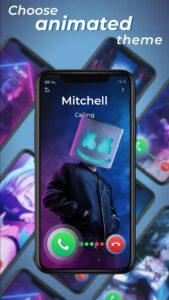
Compatibility and Device Support
Most call wallpaper screen theme apps are designed for Android devices, as Android allows deeper customization of system interfaces. Compatibility may vary depending on:
- Android version
- Device manufacturer (Samsung, Xiaomi, Oppo, Vivo, etc.)
- Custom UI layers (One UI, MIUI, ColorOS)
Some apps may not fully support certain devices due to system restrictions. It is always recommended to check app compatibility and user reviews before installation.
Benefits of Using Call Wallpaper Screen Themes
Using call wallpaper screen themes offers several practical and aesthetic benefits:
1. Enhanced User Experience
Custom visuals make the call interface more engaging and enjoyable.
2. Improved Caller Recognition
Different wallpapers for different contacts help you instantly identify callers.
3. Mood Enhancement
Beautiful images and animations can positively influence your mood when receiving calls.
4. Device Customization
Call themes are an easy way to refresh your phone’s look without changing hardware.
5. Social Impression
A stylish call screen can impress friends and colleagues when they notice your customized interface.
Battery and Performance Considerations
While call wallpaper screen themes are visually appealing, users should also consider performance aspects.
- Static wallpapers consume minimal battery.
- Animated and video themes may use slightly more power.
- High-quality videos can increase storage usage.
To optimize performance:
- Choose lightweight themes
- Avoid overly long video wallpapers
- Close unused background apps
Most modern apps are optimized to balance visual quality with battery efficiency.
Download
Conclusion
Call wallpaper screen themes are a powerful and creative way to personalize your smartphone’s calling experience. They transform ordinary incoming calls into visually engaging moments, reflecting your style and personality. With options ranging from simple static images to animated and video themes, users can easily customize their call screens according to their preferences.